


This appeared in the Rundown AI daily mailer today
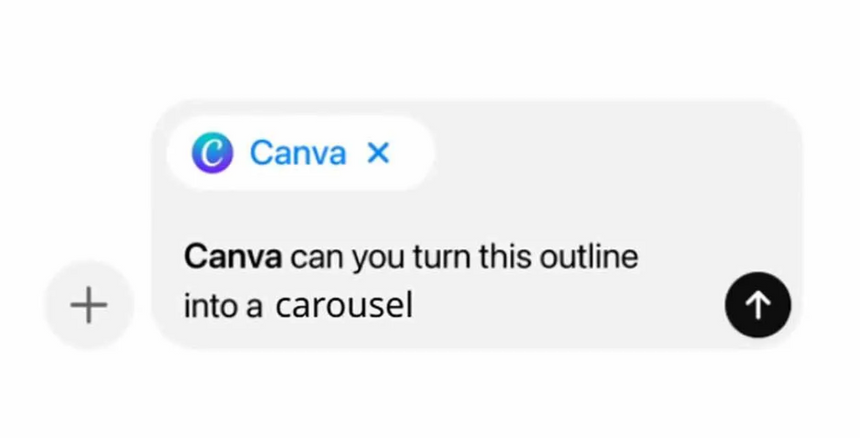
In this tutorial, you will learn how to create professional LinkedIn carousels in minutes using ChatGPT's new Canva app integration, which gives you the ability to draft content and design slides all within a single interface
Step-by-step:
Go to ChatGPT, open a new chat, and click the '+' button to select Canvas, then prompt: "Write a 5-slide LinkedIn carousel on '(your topic)'. Slide 1: A hook. Slides 2-4: One tip each. Slide 5: A CTA. Keep each under 40 words"
Refine your content in Canvas, then activate Canva by prompting: "@canva, create a 5-slide LinkedIn carousel using this content [paste slides]. Use a (detailed style of your choice). Stick to the content copy exactly" (First time: connect Canva in Account Settings → Apps and Connections)
Preview the 4 design options ChatGPT generates, select your favorite, and click the Canva link to open your editable carousel
Review each slide in Canva, make any final tweaks, then click Download and select PDF for LinkedIn documents or PNG for individual slides
Pro tip: Use your brand colors and fonts consistently — once you prompt them in chat, the integration applies them automatically to the carousels
/Passle/59673246b00e801d00aac5ae/MediaLibrary/Images/2026-09-15-16-30-26-041-6aa972a25f41e01eabc7b9df.png)
/Passle/59673246b00e801d00aac5ae/MediaLibrary/Images/2026-09-10-17-11-54-346-6aa2e4da1c00dddad49c5123.jpeg)
/Passle/59673246b00e801d00aac5ae/MediaLibrary/Images/2026-09-14-14-02-01-552-6aa7fe5911465f5f72c2d921.png)
/Passle/59673246b00e801d00aac5ae/MediaLibrary/Images/2026-09-14-09-15-43-775-6aa7bb3f162ac4d6485e2cb5.jpeg)